
Digital Photography in Aesthetic Evaluation and Prosthodontics
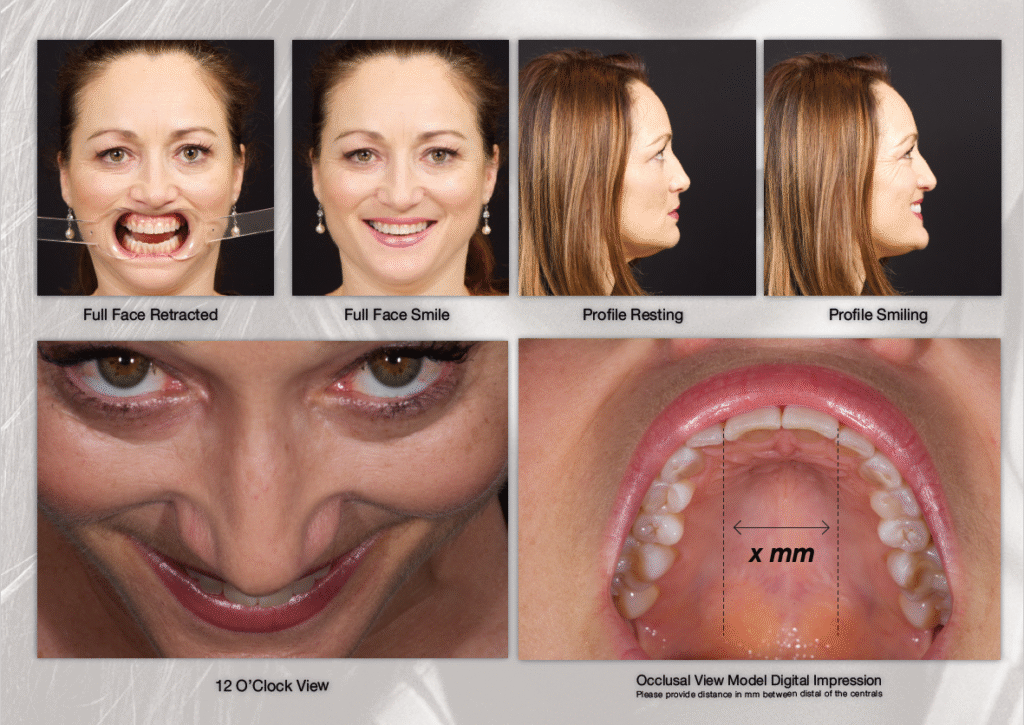
Dental photographs help a clinician, patient and laboratory discuss the same visible features: tooth shape, shade, surface texture, gingival contours and the relationship between teeth and the face. Their value depends on repeatable capture and honest interpretation. A photograph is a record made under particular lighting and viewing conditions, not an independent diagnosis or a guarantee of restoration success.
What photography adds to the clinical assessment
A consistent image series can support treatment discussions, laboratory prescriptions and comparison between appointments. Ahmad’s review of the purposes of dental photography describes documentation, education and communication applications. It is practical guidance, not a controlled trial showing fewer failures or remakes. [1]
Interpret photographs alongside the history, examination, periodontal findings, occlusal assessment and other indicated records. A two-dimensional image cannot establish preparation depth, contact strength, marginal integrity or functional stability by itself. Changes in angle, exposure, hydration and lighting can also create apparent changes between visits.
Build a repeatable capture workflow
Choose equipment around the task
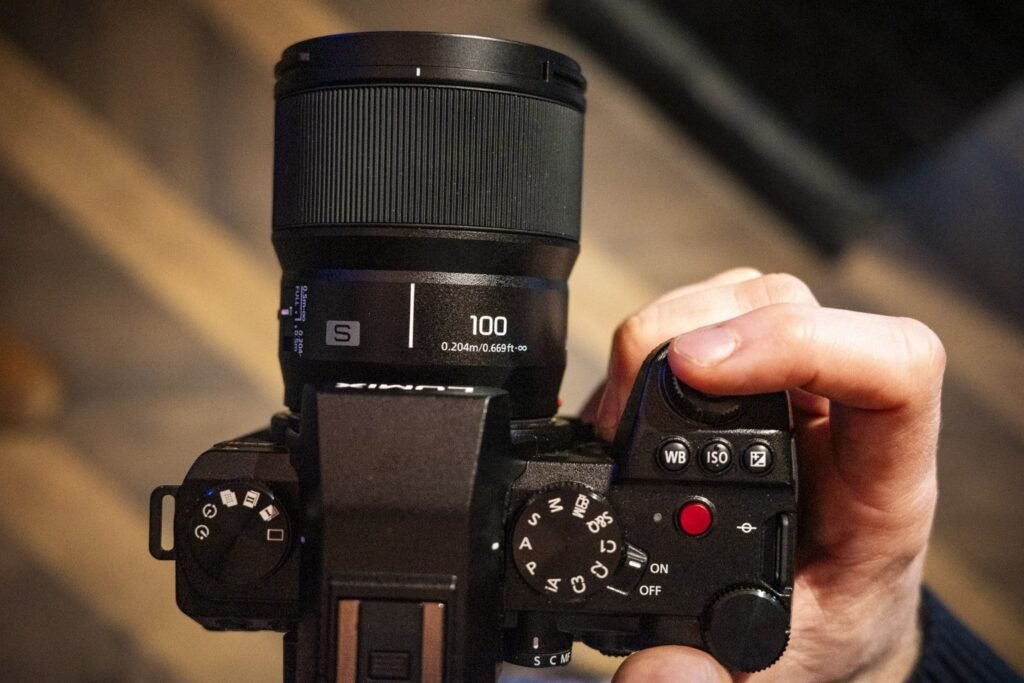
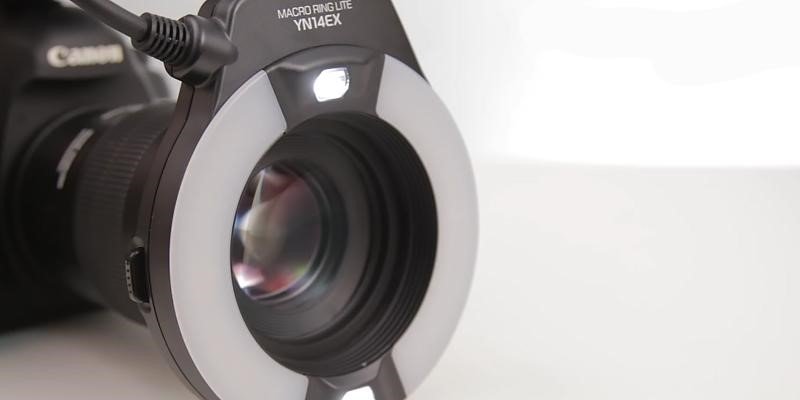
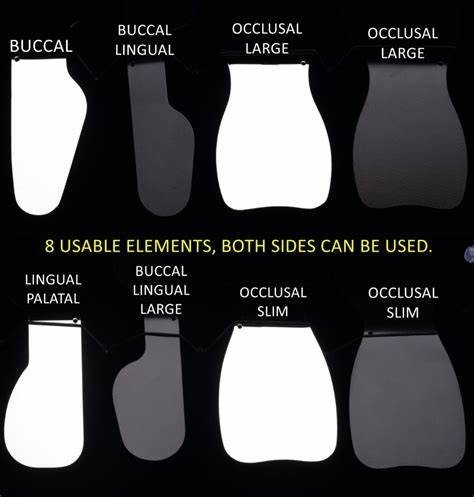
A macro-capable camera, suitable flash or controlled light source, retractors, mirrors and a reference card form a useful starting kit. A DSLR or mirrorless camera can offer manual control and repeatable magnification; a smartphone needs a validated capture and lighting arrangement for demanding shade work. Brand names and megapixel counts alone do not establish colour accuracy. Check lens, flash, filter and mount compatibility before selecting a system.
McLaren, Garber and Figueira’s 2013 clinical technique article discusses camera, lens and flash selection and image acquisition for Photoshop Smile Design. It provides a technical workflow, not a five-year comparative veneer survival study. [2]
Standardize settings and positioning
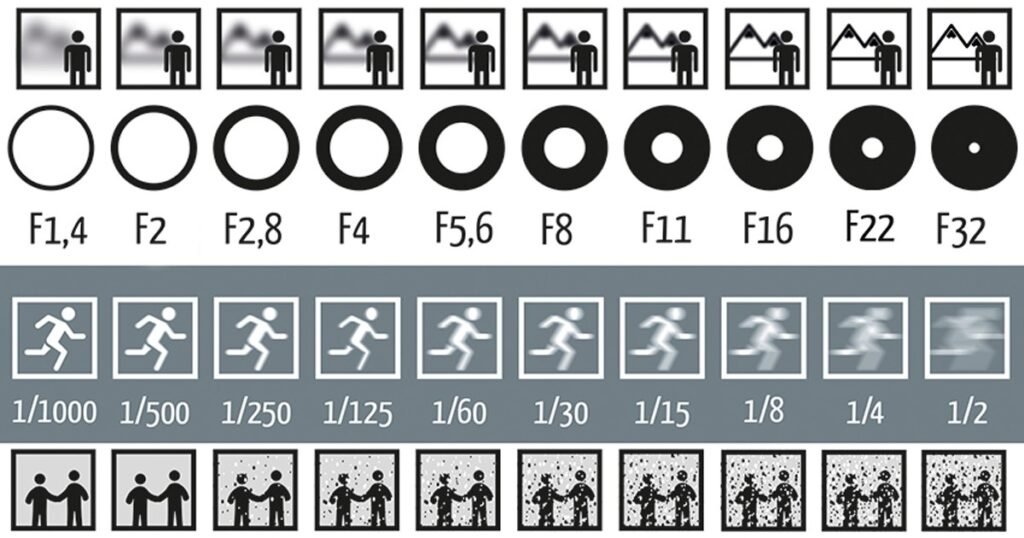
Use a documented setup for each type of view. Record the lens or magnification, patient position, camera distance, light arrangement and exposure settings so that another team member can reproduce the series. Settings such as f/22, 1/125 second and ISO 100–200 may be starting points for some macro-flash combinations; they are not universal prescriptions for every sensor, flash or portrait. Check focus, depth of field, clipping and exposure before accepting the record. Ahmad’s camera-settings article addresses exposure, depth of field, colour spaces and white-balance calibration. [3]
- Agree the purpose: documentation, shade communication, smile assessment or a specific laboratory question. Explain the process to the patient and follow the practice’s consent procedures.
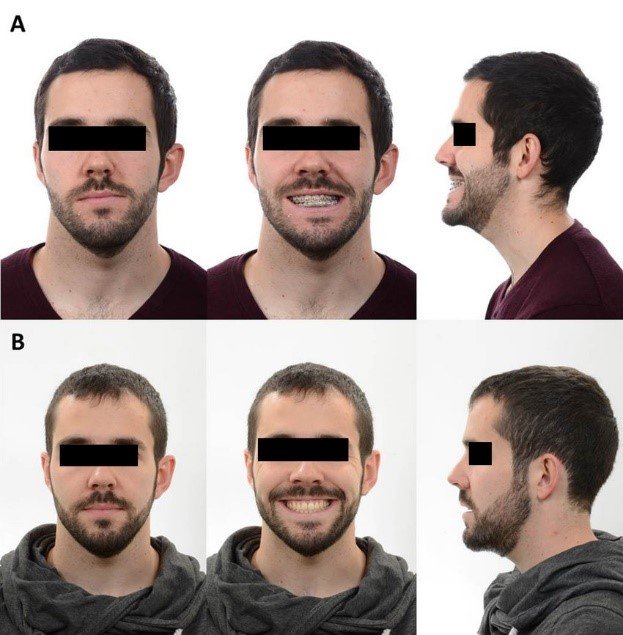
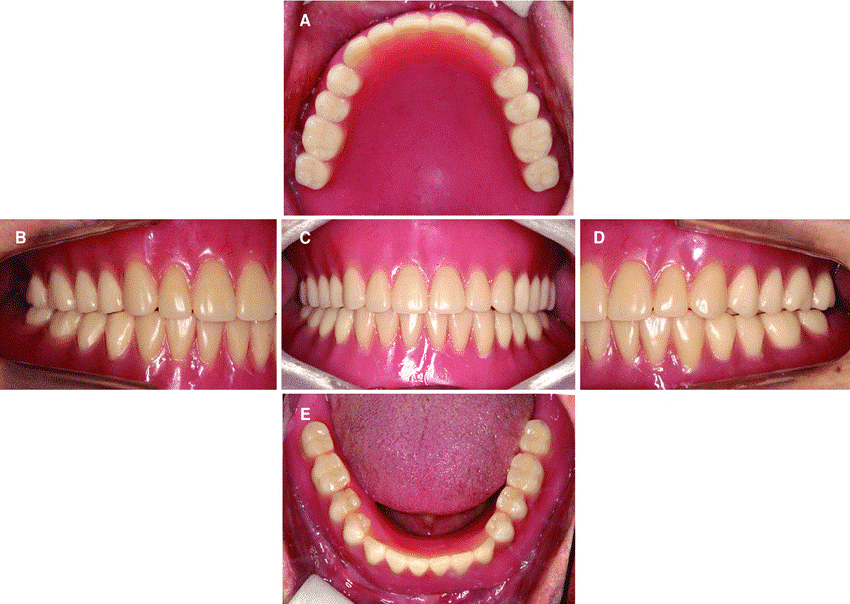
- Capture a comparable series: full face at rest and smiling, relevant profile or oblique views, retracted frontal and lateral views, occlusal mirror views and focused views of the teeth being treated.
- Check before dismissing the patient: confirm sharpness, coverage and exposure. Repeat an inadequate image rather than attempting to manufacture missing detail afterward.
- Label the records: identify date, view, treatment stage and whether the image is an original, a colour-managed derivative or a simulation.
Communicate shade and surface detail separately
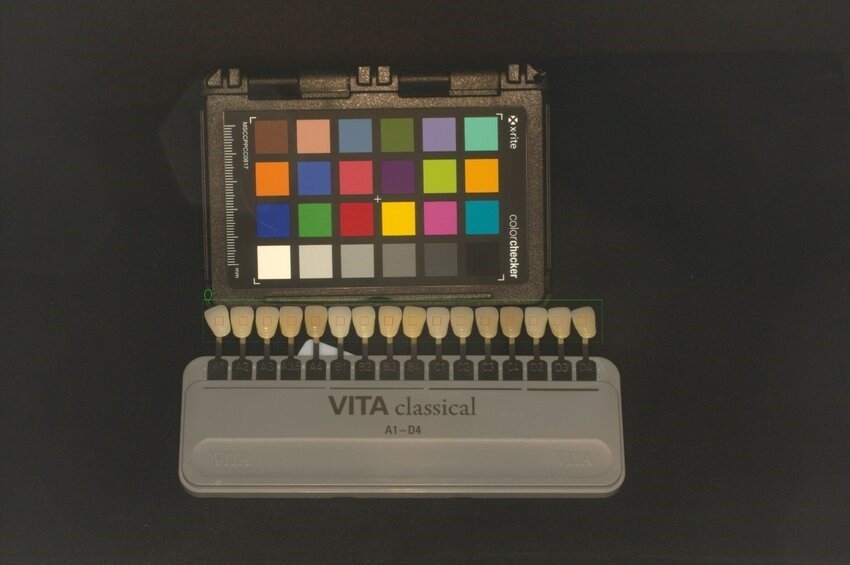
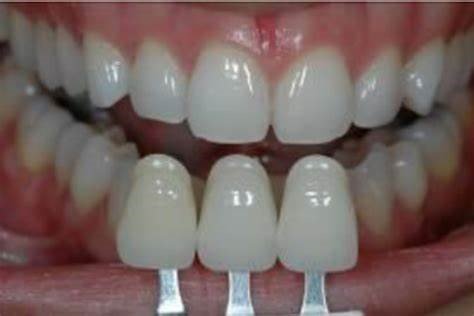
Use a gray reference card and relevant shade tabs under controlled conditions, with the reference and tooth positioned appropriately for comparison. Discuss the capture and export protocol with the laboratory. Cross-polarized images reduce specular reflections and can help reveal colour information; ordinary photographs remain useful for gloss, texture and surface appearance. Neither view alone captures every optical property of a tooth.
What the clinical evidence actually shows
Jorquera et al. (2022) enrolled 45 patients in a clinical study comparing visual, digital-camera, and smartphone shade-selection protocols for lithium disilicate crowns. Mean color difference (ΔE) between a cemented crown and the adjacent tooth was lower in the digital-camera group than in the visual group (2.75 versus 5.32; P=.002). Digital photographs were white-balanced using a gray reference card, and the camera protocol included cross-polarized images. [4]
The smartphone group used a light-correcting device and had a mean ΔE of 2.34; it did not differ significantly from the camera group (P=.857). This is evidence about particular shade-selection protocols and the resulting crown-tooth colour difference. It does not establish that any uncalibrated phone photograph is equivalent, that photography improves five-year veneer margins, or that it reduces remakes across prosthodontics. [4]
The previously cited 32-study Chen review and a 120-veneer, five-year comparison attributed to McLaren and Garber could not be substantiated from the supplied references. Their numerical claims are therefore not used as clinical evidence here. An unverified citation is not proof that an underlying study or clinical event never existed.
From photographs to a treatment discussion
Still images describe a moment. Coachman, Calamita and Sesma’s 2017 paper describes smartphone-video documentation of the smile and its use in a 2D/3D design process. Lip movement can reveal information that a posed smile misses. This is a documentation protocol, not a randomized demonstration of improved long-term restoration survival. [5]
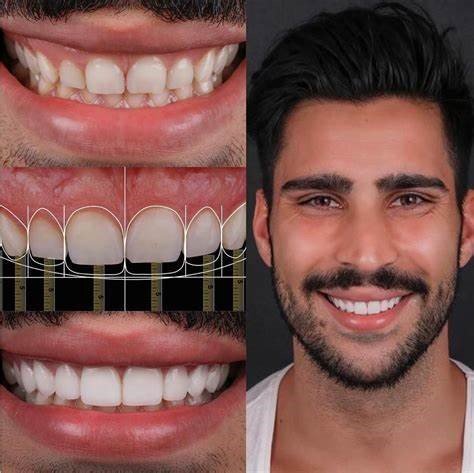
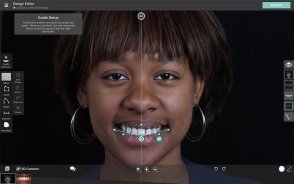
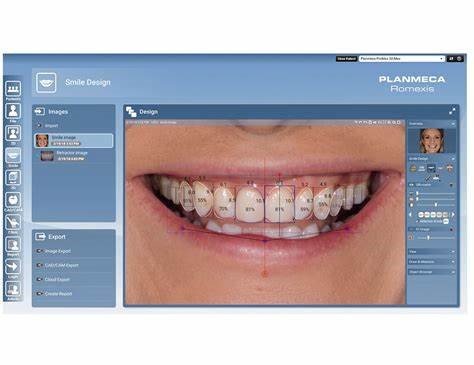
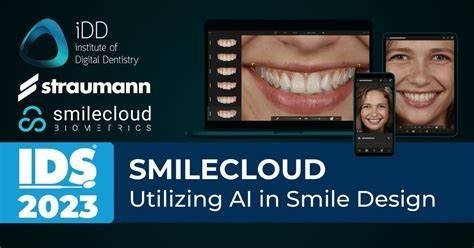
Digital overlays and smile-design software can make options easier to discuss. Keep simulations visibly labelled and retain the original photograph. A simulated appearance is a planning proposal: feasibility still depends on tooth structure, biological conditions, function, material selection and the agreed treatment plan. Validate proposed changes with appropriate clinical assessment and, when indicated, mock-ups or provisional restorations.
Illustrative workflow: worn dentition
Teaching scenario, not a reported patient outcome. For a patient seeking rehabilitation of worn teeth, use comparable facial, smile and intraoral records to describe visible wear and communicate concerns. Combine them with examination and functional records before considering any alteration in tooth form or vertical dimension. Photographs of a mock-up or provisional restoration can support discussion, but an attractive image alone does not validate the treatment or dictate full-coverage restorations.
Illustrative workflow: anterior aesthetic changes
Teaching scenario, not a reported patient outcome. When considering changes to anterior tooth shape or colour, send ordinary and, where appropriate, cross-polarized images with the laboratory prescription. Discuss alternatives and limits before choosing a restorative approach. At review, capture comparable records and record clinical findings separately. A follow-up photograph can document appearance; it cannot independently verify margin integrity, veneer survival or patient satisfaction.
Store and share records without losing their meaning
- Keep original files and make labelled working copies for crops, orientation adjustments and documented colour processing. Do not alter anatomy or remove defects from a clinical record.
- Use a consistent filing convention and tested backup process. Limit access and use approved communication systems for identifiable patient records.
- Check consent and the permitted audience separately for care, teaching and public promotion. An existing clinical photograph does not by itself establish permission to advertise with it.
- Calibrate the display and agree export settings with the laboratory. A changed screen, compression setting or colour profile can affect appearance.
Ahmad’s genuine Part 10 is Printing, publishing and presentations (2009), addressing output and presentation of images. It should not be cited as a 2022 paper on clinical and laboratory research outcomes. [6]
Benefits, limits and implementation checks
Photography offers a reusable visual record and a shared basis for discussion. The tradeoffs are training, capture time, equipment compatibility, storage and quality control. It improves the available documentation only when the record is usable and interpreted appropriately; it does not make visual assessment wholly objective or guarantee an economic return.
- Comparisons over time: match angle, magnification and lighting; describe unavoidable differences.
- Laboratory communication: send the specific question, reference information and relevant views rather than a large unexplained image collection.
- Quality improvement: review rejected images and missing views, then adjust the protocol and staff training.
- New software: assess the actual indication, validation, data handling and integration requirements. Automated analysis or a realistic 3D preview is not evidence of clinical accuracy.
Existing visual examples and design interfaces
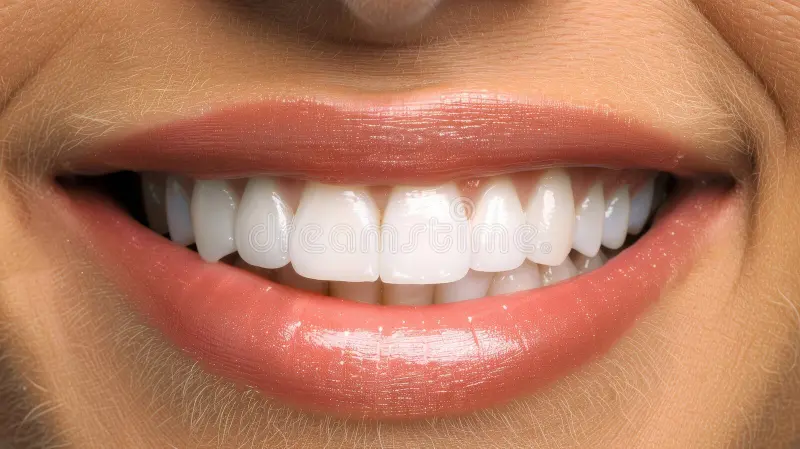
The following illustrations are retained from the original article for context. They are not linked to verified patient histories or comparative clinical outcomes, and historical software imagery should not be read as a current product endorsement.
Conclusion
Standardized photography can strengthen aesthetic assessment, shade communication and documentation in prosthodontics. Preserve original records, control capture conditions and interpret images with the clinical examination. The strongest result discussed here concerns a specific crown shade-selection protocol; it should not be expanded into promises of fewer remakes or better long-term veneer survival.
Open the references and study details
- Ahmad I. Digital dental photography. Part 2: Purposes and uses. Br Dent J. 2009;206:459–464. PubMed. doi:10.1038/sj.bdj.2009.366.
- McLaren EA, Garber DA, Figueira J. The Photoshop Smile Design technique (part 1): digital dental photography. Compend Contin Educ Dent. 2013;34(10):772–779. PubMed; publisher article.
- Ahmad I. Digital dental photography. Part 6: camera settings. Br Dent J. 2009;207:63–69. PubMed. doi:10.1038/sj.bdj.2009.607.
- Jorquera GJ, Atria PJ, Galán M, et al. A comparison of ceramic crown color difference between different shade selection methods: Visual, digital camera, and smartphone. J Prosthet Dent. 2022;128(4):784–792. doi:10.1016/j.prosdent.2020.07.029; Universidad de los Andes repository abstract.
- Coachman C, Calamita MA, Sesma N. Dynamic Documentation of the Smile and the 2D/3D Digital Smile Design Process. Int J Periodontics Restorative Dent. 2017;37(2):183–193. PubMed. doi:10.11607/prd.2911.
- Ahmad I. Digital dental photography. Part 10: printing, publishing and presentations. Br Dent J. 2009;207:261–265. PubMed. doi:10.1038/sj.bdj.2009.814.