
Digital Dentistry Schoology Mastership 2027
Digital Dentistry
Mastership 2027Connected Clinical–Laboratory Workflows
Digital Dentistry Mastership 2027 connects six modules from the first digital record to a clear clinical–laboratory handover.
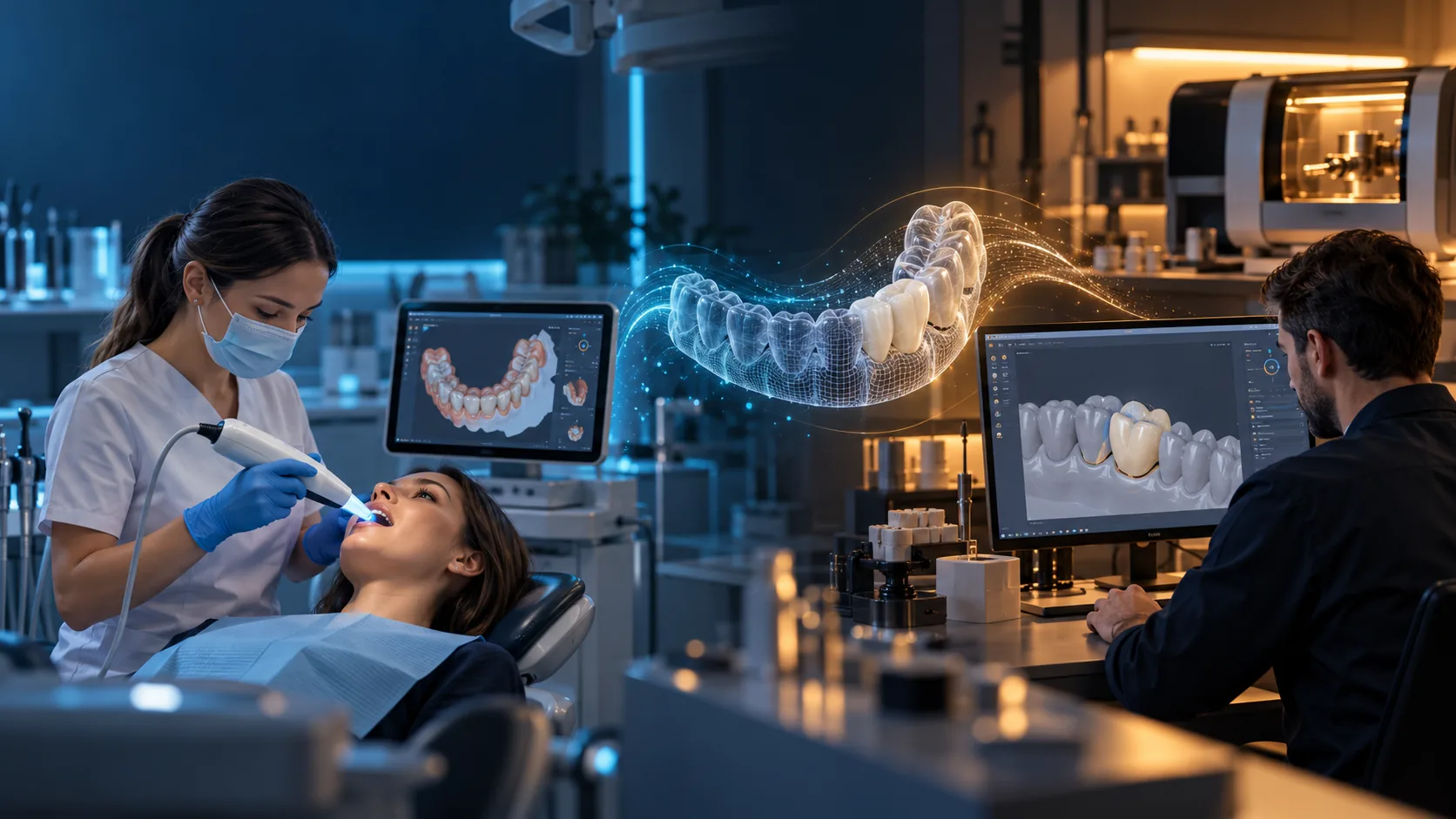
Digital Dentistry Mastership 2027 pathways
Clinical and laboratory teams share a digital language while retaining their own responsibilities, authority and review points.
Choose your profession above to filter the curriculum.
- Understand what information enters the workflow.
- See which topics belong to each professional pathway.
- Explore a documented handover rather than an isolated tool.
Start with the module.
Then follow the workflow.
Every block now has its own visual, pathway emphasis and proposed learning stages. B01 remains the complete content example in this preview.
Six modules.
Six visual worlds.
Choose a module to see its visual, pathway emphasis and four proposed learning stages.
Learn → Practice → Validate → Implement
Proposed learning stages, not qualification levels
Block 01 selected: Digital Diagnostics & Data Acquisition.
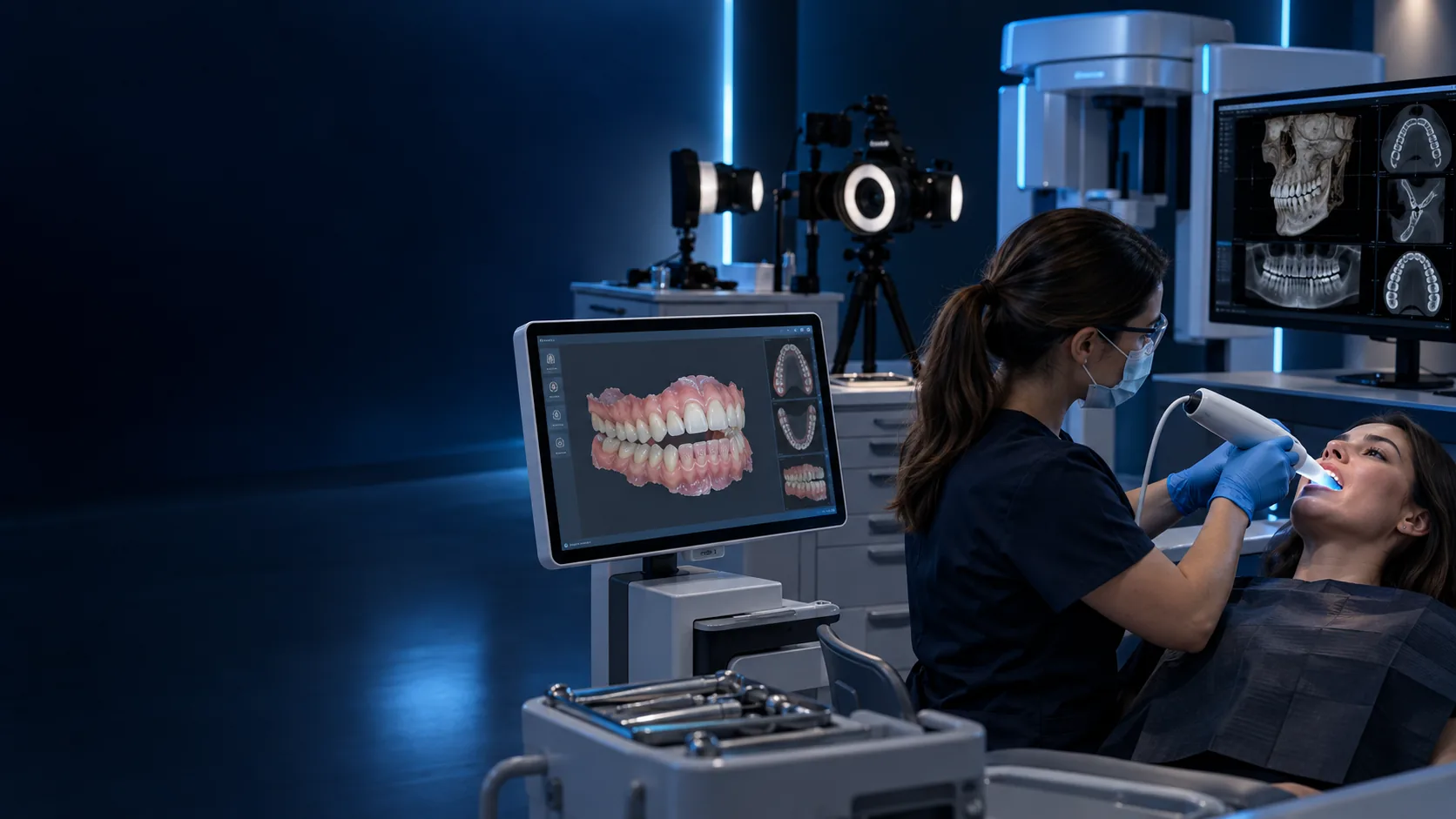
MODULE 01
Digital Diagnostics & Data Acquisition
Build the record set that makes later decisions reviewable.
Your pathway focus: Choose a pathway to reveal the role-specific emphasis for this module.
Build a traceable digital record set.
PROPOSED OUTPUTA structured record inventory with clear gaps and handover questions.
Swipe to browse, or use previous and next.
Learn
Identify what makes a record useful, traceable and suitable for review.
- Draft module material
- Photography, face data, IOS, CBCT, cephalometrics and digital occlusal records.
Practice
Organise a permitted demonstration record set and make missing inputs visible.
- Draft module material
- Structured record inventory and input-quality checklist.
Validate
Review the handover before the next workflow step begins.
- Draft module material
- Documented gap list and responsible-reviewer note.
Implement
Use the record standard in a role-appropriate case workflow.
- Draft module material
- No score or clinical approval is implied by this local preview.
Stage 1 of 4: Learn
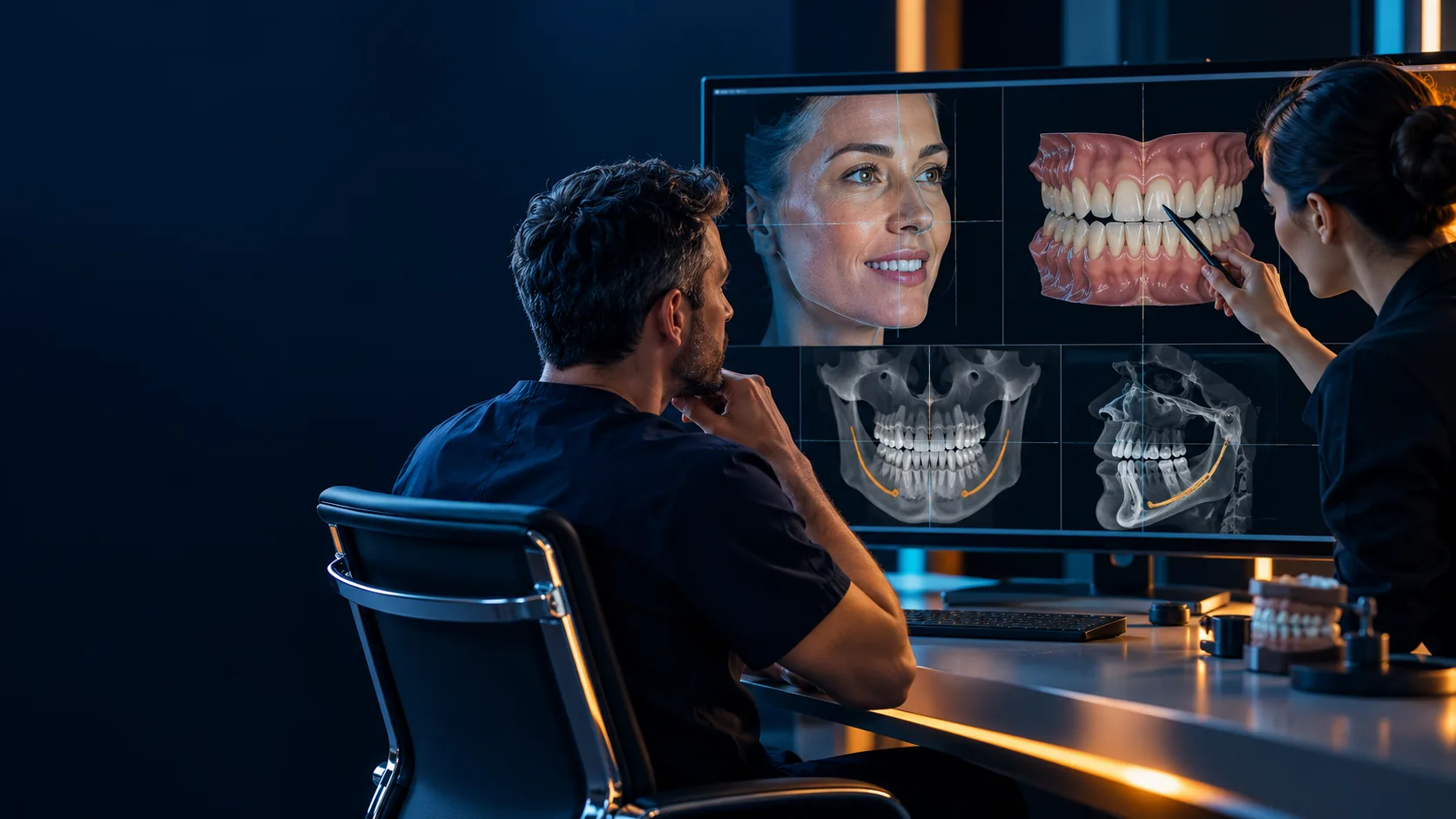
MODULE 02
Digital Treatment Planning
Turn records into a coordinated plan with clear decision checkpoints.
Your pathway focus: Choose a pathway to reveal the role-specific emphasis for this module.
Bring clinical goals and digital records into one plan.
PROPOSED OUTPUTA planning brief with stated assumptions, decision points and open questions.
Swipe to browse, or use previous and next.
Learn
Understand how records become a coherent treatment-planning conversation.
- Draft module material
- Smile reference, 2D-to-3D registration, data fusion and workflow SOPs.
Practice
Build a draft case brief from permitted demonstration records.
- Draft module material
- Coordinated plan, prescription draft and registration QC note.
Validate
Make assumptions, questions and approval points explicit.
- Draft module material
- Decision log with documented handover questions.
Implement
Apply the role-specific part of the planning workflow.
- Draft module material
- Clinical decisions remain assigned to the responsible clinician.
Stage 1 of 4: Learn
Detailed topic pages for this block are planned after content and faculty review.
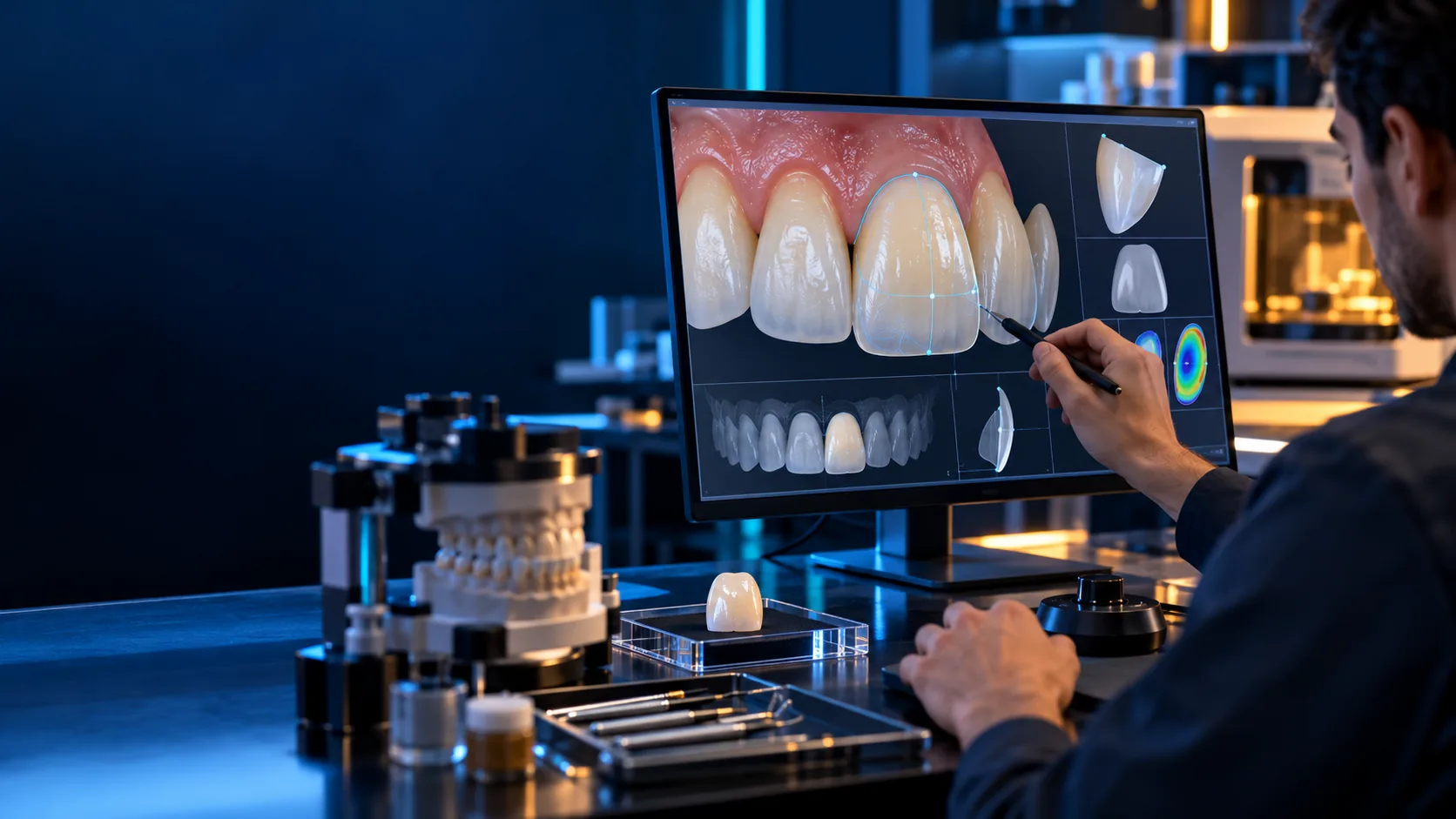
MODULE 03
Digital Prosthetic CAD Design
Translate an approved plan into morphology, parameters and a reviewable design.
Your pathway focus: Choose a pathway to reveal the role-specific emphasis for this module.
Shape an approved plan into a reviewable CAD proposal.
PROPOSED OUTPUTA draft design package with its assumptions and review points recorded.
Swipe to browse, or use previous and next.
Learn
Recognise the planning inputs and constraints that guide CAD design.
- Draft module material
- Wax-up, anterior and posterior morphology, full-arch setup and material context.
Practice
Work through a permitted design exercise from proposal to review.
- Draft module material
- Draft wax-up or CAD package with stated design assumptions.
Validate
Check the proposal before manufacturing begins.
- Draft module material
- Fit, clearance and prescription-fidelity review note.
Implement
Connect the approved design to the next documented handover.
- Draft module material
- This preview does not validate a restoration or manufacturing outcome.
Stage 1 of 4: Learn
Detailed topic pages for this block are planned after content and faculty review.
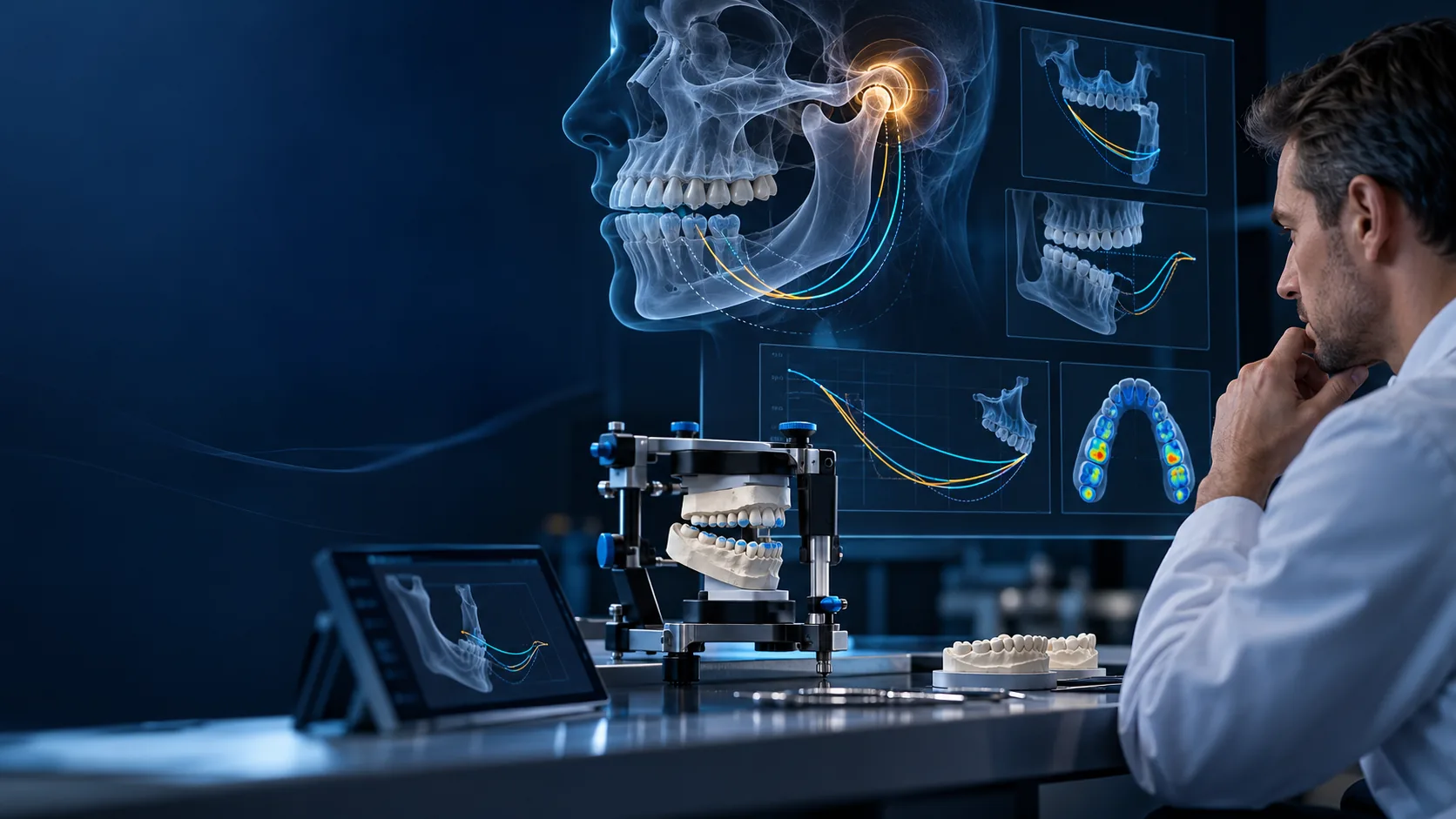
MODULE 04
Digital Occlusion & Functional Dentistry
Connect functional records with design, validation and follow-up.
Your pathway focus: Choose a pathway to reveal the role-specific emphasis for this module.
Connect functional records to role-based design review.
PROPOSED OUTPUTA functional design brief that records data limits and review questions.
Swipe to browse, or use previous and next.
Learn
Understand the place of functional records within a documented workflow.
- Draft module material
- Virtual articulation, jaw motion, force analysis, EMG and guide-design context.
Practice
Explore a proposed role-specific record and design-review exercise.
- Draft module material
- Functional-design brief with limitations and explicit questions.
Validate
Check the data, reasoning and review ownership before moving forward.
- Draft module material
- Documented validation note rather than an automated diagnosis.
Implement
Carry the approved information into the next workflow stage.
- Draft module material
- Clinical interpretation and treatment decisions require clinician review.
Stage 1 of 4: Learn
Detailed topic pages for this block are planned after content and faculty review.
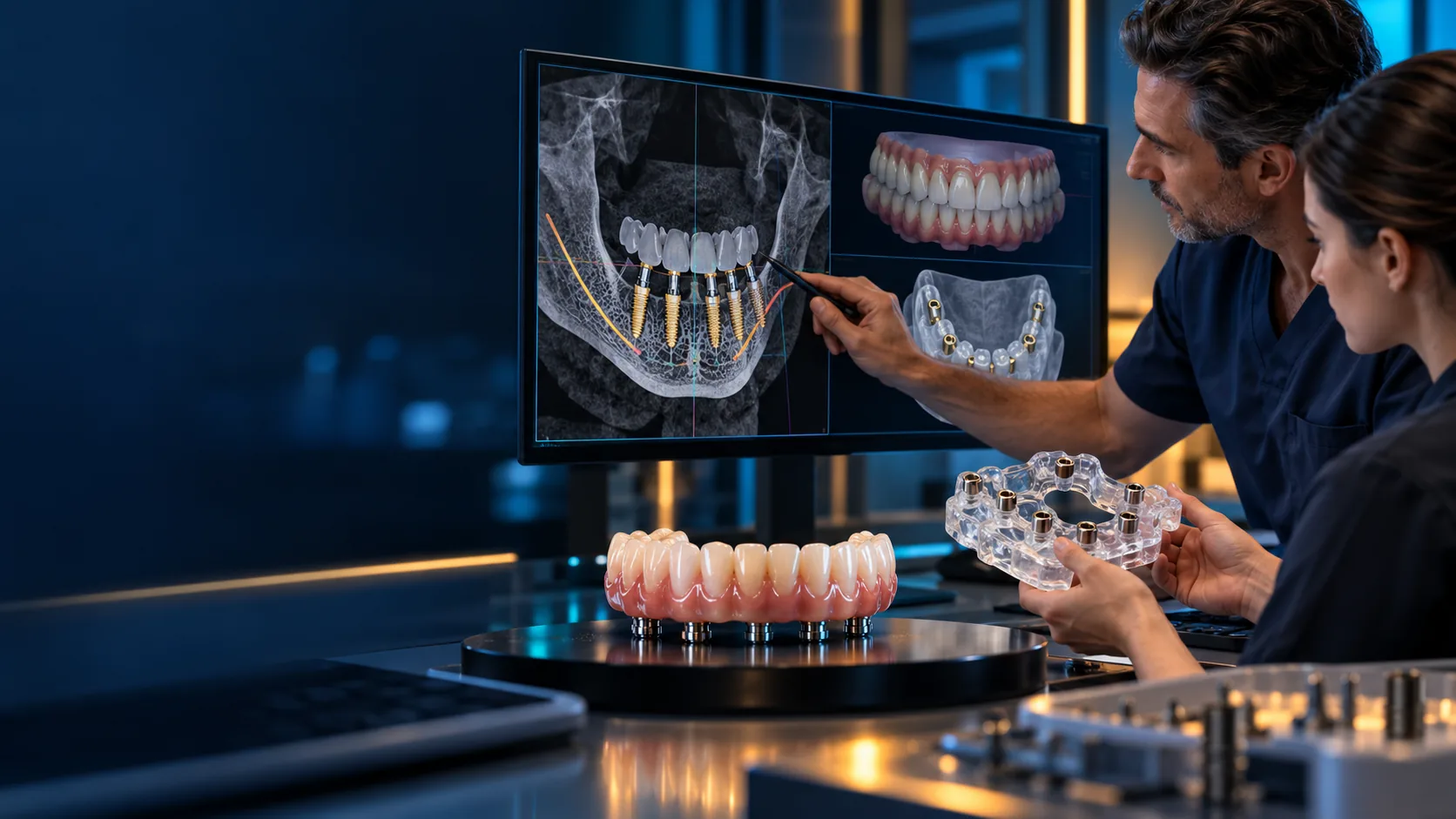
MODULE 05
Digital Implantology & Full-Arch Rehabilitation
Coordinate prosthetic objectives, planning, guides and definitive restoration.
Your pathway focus: Choose a pathway to reveal the role-specific emphasis for this module.
Coordinate implant planning across clinical and laboratory roles.
PROPOSED OUTPUTA role-separated planning package with a clear design handover.
Swipe to browse, or use previous and next.
Learn
Recognise the linked records, components and role-specific approvals.
- Draft module material
- Components, photogrammetry, scan bodies, planning and guide architecture.
Practice
Map a permitted illustrative case from prosthetic objective to design handover.
- Draft module material
- Coordinated planning package with known inputs and open questions.
Validate
Confirm review gates and unresolved constraints are visible.
- Draft module material
- Role-separated approval and clarification record.
Implement
Route the approved work to the relevant subsequent stage.
- Draft module material
- No surgical, clinical or patient-specific instruction is supplied here.
Stage 1 of 4: Learn
Detailed topic pages for this block are planned after content and faculty review.
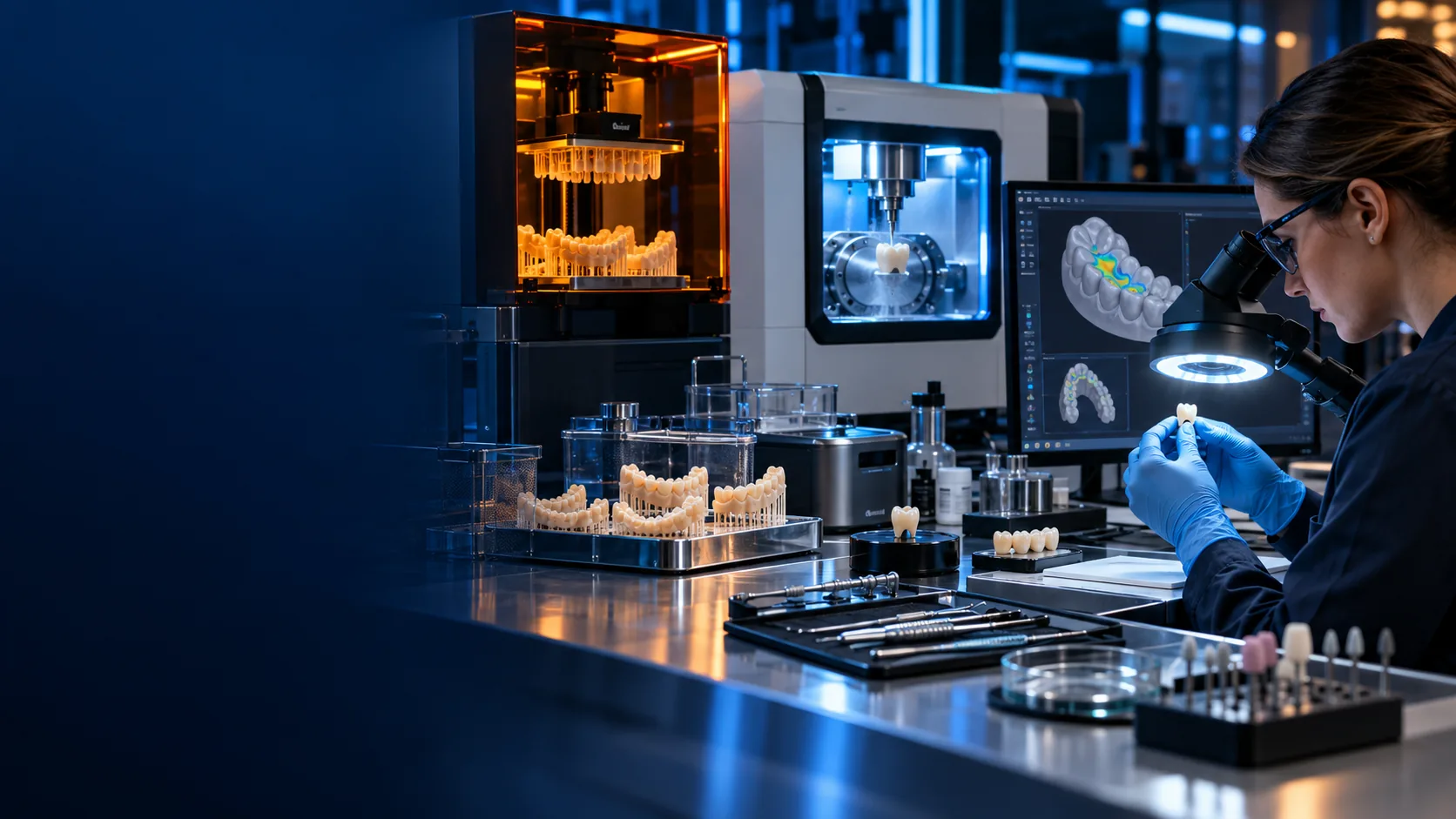
MODULE 06
Digital Manufacturing & Quality Control
Turn an approved design into a physical result and verify the documented process.
Your pathway focus: Choose a pathway to reveal the role-specific emphasis for this module.
Carry the design through production and documented checks.
PROPOSED OUTPUTA draft manufacturing and quality-control record with exceptions noted.
Swipe to browse, or use previous and next.
Learn
Understand the material, production and documentation context.
- Draft module material
- Materials, printing, milling, finishing, traceability and quality-control concepts.
Practice
Use an illustrative production checklist and handover sequence.
- Draft module material
- Proposed CAM or manufacturing documentation package.
Validate
Review fit, finish and documentation within the defined responsibility.
- Draft module material
- QC record with exceptions and feedback route.
Implement
Close the loop with documented delivery feedback and follow-up.
- Draft module material
- Technical checks do not establish clinical or manufacturing validation.
Stage 1 of 4: Learn
Detailed topic pages for this block are planned after content and faculty review.
01Digital Diagnostics & Data AcquisitionBuild a record set that the next person can understand.
Begin with the quality of the information.
Overview shows all seven source topics. Choose a pathway to see your included subset.
The intended output is a structured record inventory with explicit gaps and review responsibilities.
Teaching draft for design review. Exercises and assessment criteria below are proposals for faculty approval.
Source topic overview
Open a topic for the exercise, example output, common errors and limits.
M01PhotographyDentist pathway
Establish a consistent visual record before planning.
- Learning objective
- Explain this record’s place in the workflow and identify the information needed for a responsible handover.
- Context & prerequisites
- Use permitted demonstration records. Basic familiarity with digital file organization is assumed; unresolved clinical questions remain with the clinician.
- Proposed exercise
- Organize a permitted demonstration photo series into a clearly labelled record set.
- Example output
- A photo inventory and a list of missing views.
- Review question
- Can each supplied image be traced to its intended view and source?
- Common error
- Mixing unlabeled images or unrelated example sets.
- Troubleshooting
- Separate the sets; identify missing views instead of inferring them.
- Competence boundary
- Image review here does not establish a diagnosis or reproduce a clinical examination.
- Tools & references
- No specific software is required to explore this preview. Source: catalog module M01, as mapped in the specification package. Scientific references, faculty rubric and delivery arrangements remain pending review.
M02Aesthetic analysisDentist pathway
Connect the visual record to a documented planning discussion.
- Learning objective
- Explain this record’s place in the workflow and identify the information needed for a responsible handover.
- Context & prerequisites
- Use permitted demonstration records. Basic familiarity with digital file organization is assumed; unresolved clinical questions remain with the clinician.
- Proposed exercise
- Annotate an approved example with observations and questions for review.
- Example output
- An observation sheet that separates visible findings from interpretation.
- Review question
- Are observations traceable to the original record?
- Common error
- Presenting a simulation as an expected patient result.
- Troubleshooting
- Label simulations and return to the original record when evidence is missing.
- Competence boundary
- Aesthetic objectives require patient discussion and clinician judgement.
- Tools & references
- No specific software is required to explore this preview. Source: catalog module M02, as mapped in the specification package. Scientific references, faculty rubric and delivery arrangements remain pending review.
M03Function & phoneticsDentist pathway
Include functional and phonetic records in the planning conversation.
- Learning objective
- Explain this record’s place in the workflow and identify the information needed for a responsible handover.
- Context & prerequisites
- Use permitted demonstration records. Basic familiarity with digital file organization is assumed; unresolved clinical questions remain with the clinician.
- Proposed exercise
- Create an inventory of available demonstration records and unanswered questions.
- Example output
- A functional-record checklist with a review status.
- Review question
- Are the relevant records present and their limitations explicit?
- Common error
- Assuming a static image captures function.
- Troubleshooting
- Identify the missing information for clinician review.
- Competence boundary
- A demonstration is not a functional diagnosis or a treatment recommendation.
- Tools & references
- No specific software is required to explore this preview. Source: catalog module M03, as mapped in the specification package. Scientific references, faculty rubric and delivery arrangements remain pending review.
M04Intraoral scanning (IOS)Shared learning
Understand how an acquired scan becomes a usable digital handover.
- Learning objective
- Explain this record’s place in the workflow and identify the information needed for a responsible handover.
- Context & prerequisites
- Use permitted demonstration records. Basic familiarity with digital file organization is assumed; unresolved clinical questions remain with the clinician.
- Proposed exercise
- Inspect a permitted example file package and record completeness, labels and compatibility questions.
- Example output
- An input-file inventory with an accept / clarify decision.
- Review question
- Can the receiving team identify each file, its provenance and the unresolved issues?
- Common error
- Accepting an incomplete or ambiguous file package.
- Troubleshooting
- Return a specific clarification request before the next workflow step.
- Competence boundary
- This draft introduces record quality; it does not validate a scanner or define clinical accuracy thresholds.
- Tools & references
- No specific software is required to explore this preview. Source: catalog module M04, as mapped in the specification package. Scientific references, faculty rubric and delivery arrangements remain pending review.
M05CBCT in digital dentistryDentist pathway
Place radiographic records within a clinician-led digital workflow.
- Learning objective
- Explain this record’s place in the workflow and identify the information needed for a responsible handover.
- Context & prerequisites
- Use permitted demonstration records. Basic familiarity with digital file organization is assumed; unresolved clinical questions remain with the clinician.
- Proposed exercise
- Document provenance and review responsibility for an authorized teaching dataset.
- Example output
- A record register identifying the responsible clinical reviewer.
- Review question
- Is the dataset source documented and its interpretation assigned appropriately?
- Common error
- Treating a rendered view as a complete radiological assessment.
- Troubleshooting
- Flag the limitation and refer interpretation to the qualified reviewer.
- Competence boundary
- Imaging indications, exposure decisions and radiological interpretation require appropriate clinical competence.
- Tools & references
- No specific software is required to explore this preview. Source: catalog module M05, as mapped in the specification package. Scientific references, faculty rubric and delivery arrangements remain pending review.
M06Digital cephalometricsDentist pathway
Understand where a documented analysis enters the planning record.
- Learning objective
- Explain this record’s place in the workflow and identify the information needed for a responsible handover.
- Context & prerequisites
- Use permitted demonstration records. Basic familiarity with digital file organization is assumed; unresolved clinical questions remain with the clinician.
- Proposed exercise
- Trace an approved demonstration analysis back to its source and review status.
- Example output
- An analysis provenance note with unresolved assumptions.
- Review question
- Can another reviewer distinguish the source image from its derived analysis?
- Common error
- Copying an unreviewed measurement into the final plan.
- Troubleshooting
- Retain the source and mark the analysis for review.
- Competence boundary
- No measurement, norm or diagnostic threshold is supplied by this preview.
- Tools & references
- No specific software is required to explore this preview. Source: catalog module M06, as mapped in the specification package. Scientific references, faculty rubric and delivery arrangements remain pending review.
M07Digital occlusal recordShared learning
Preserve jaw-reference information during the clinical–laboratory handover.
- Learning objective
- Explain this record’s place in the workflow and identify the information needed for a responsible handover.
- Context & prerequisites
- Use permitted demonstration records. Basic familiarity with digital file organization is assumed; unresolved clinical questions remain with the clinician.
- Proposed exercise
- Check an example record package for identifiers, jaw references and unresolved registration questions.
- Example output
- A handover checklist describing what is known and what requires clarification.
- Review question
- Are the supplied jaw references and limitations understandable to the receiving team?
- Common error
- Assuming that file presence proves a correct jaw relationship.
- Troubleshooting
- Document uncertainty and seek confirmation before proceeding.
- Competence boundary
- A record alone establishes neither diagnosis nor the biological suitability of a proposed design.
- Tools & references
- No specific software is required to explore this preview. Source: catalog module M07, as mapped in the specification package. Scientific references, faculty rubric and delivery arrangements remain pending review.
Completion in this preview: explore the records, identify a gap and explain who should review it. No score or qualification is awarded.
Return to all six modules ↑Move forward only
when the handover is clear.
A prescribed digital occlusal-appliance workflow. Stage 3 is available for design review.
- 01Patient
- 02Diagnosis
- 03Data acquisition
- 04Treatment planning
- 05Digital design
- 06Functional validation
- 07Manufacturing
- 08Clinical delivery
- 09Follow-up
A file existing is not the gate. Adequate, reviewed and approved information is.
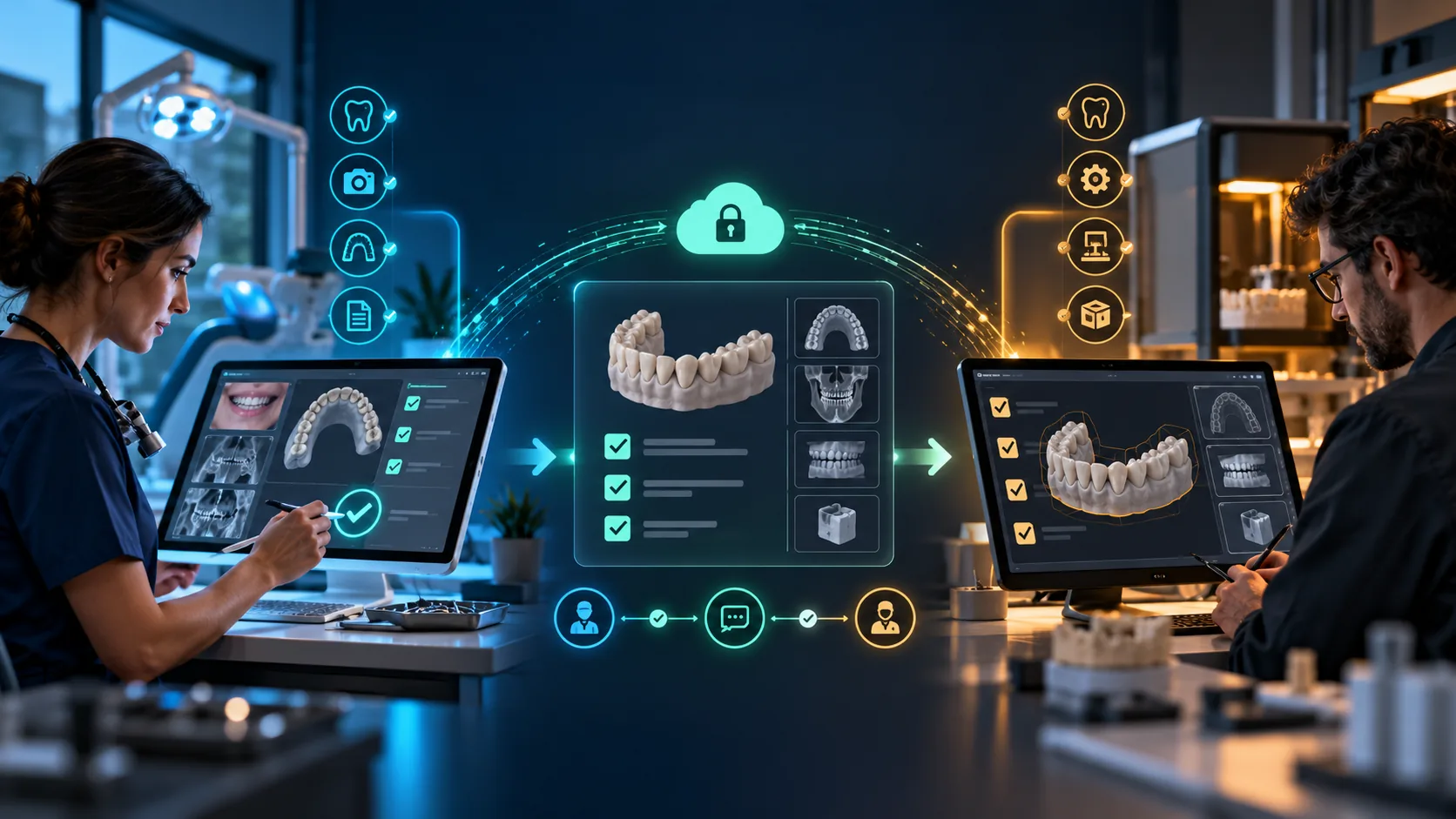
Check the inputs.
Make the gaps visible.
Obtain the indicated records and document their source and limitations. Confirm that unresolved clinical questions remain assigned to the responsible clinician.
Inspect the received package for completeness and compatibility. Request clarification before design when a record, jaw reference or prescription is unclear.
Without JavaScript, both responsibility descriptions appear below.
- Output
- A record inventory and a clear clarification request.
- Validation question
- Can the next person identify each input, its source and the unresolved questions?
- Source & review
- Specification stage 3; linked to B01. Illustrative teaching draft. Clinical and asset approval pending.
Try the handover check
A local interaction example. Tick the checks you have discussed; nothing is saved or submitted.
0 of 3 discussion checks selected.
Only this stage is implemented. The other stages above are the planned narrative, not navigation. A checked list does not establish clinical suitability or approval.
Explore your pathway.
See how each module connects to practical work, then ask DDSchoology about the pathway that fits your role.
Clinical pathway
Patient assessment, digital planning, prescribed design review and clinical delivery.
Laboratory pathway
Prescription review, digital design, manufacturing and documented quality checks.
Curriculum detail is a local draft for review. Approved fees, dates, hours and accreditation information will be confirmed by DDSchoology.
Discuss your pathway Return to pathway choices ↑
A perspective across education, the dental lab and AI
Dr Haitham Sharshar is the founder of Digital Dentistry Schoology, owner of the PixelDental.digital dental lab, and CEO of the Occlusa AI Project. He also owns drhaithamsharshar.com. These roles connect dental education, laboratory production and dental AI—the same clinic-to-lab perspective carried through the two 2027 pathways.
Clear answers about the 2027 pathways.
Curriculum scope and current programme details, in plain language.
Who is this pathway for?
The programme is mapped for dentists and dental technicians. This page shows the overview of both professional routes.
How does the curriculum connect digital records to delivery?
Its six blocks move from digital diagnostics and data acquisition through treatment planning, CAD design, occlusion and function, implant and full-arch workflows, and digital manufacturing with quality-control topics.
Do both pathways include every topic?
No. The source curriculum assigns topics to the dentist pathway, the dental technician pathway, or shared learning. The module explorer labels those differences; a shared topic does not transfer professional responsibility.
Where can I confirm 2027 dates, fees and delivery details?
This curriculum preview does not confirm those offer details. Contact Digital Dentistry Schoology for the current approved programme information.
Six blocks.
One connected digital workflow.
Move from digital records to planning, design, functional review, implant workflows and documented quality checks.
BLOCK 01
Digital Diagnostics & Data Acquisition
Build a traceable digital record set.Explore this moduleBLOCK 02
Digital Treatment Planning
Bring clinical goals and digital records into one plan.Explore this moduleBLOCK 03
Digital Prosthetic CAD Design
Shape an approved plan into a reviewable CAD proposal.Explore this moduleBLOCK 04
Digital Occlusion & Functional Dentistry
Connect functional records to role-based design review.Explore this moduleBLOCK 05
Digital Implantology & Full-Arch Rehabilitation
Coordinate implant planning across clinical and laboratory roles.Explore this moduleBLOCK 06
Digital Manufacturing & Quality Control
Carry the design through production and documented checks.Explore this moduleBlock 1 of 6: Digital Diagnostics & Data Acquisition
Use the arrows, choose a block, or swipe. No automatic movement.